
Platform
Custom Add-Ins
Custom Add-Ins for fleets whose workflow doesn't fit an off-the-shelf add-in: our developers build tools that run inside the High Point GPS platform.
Updated October 30, 2026
Custom Add-Ins are for fleets whose processes don't fit any of the pre-built options in the High Point GPS add-on library, which lists 27 vetted add-ons for cameras, sensors and workflow tools (7 built by High Point GPS), with hundreds more on the wider Geotab Marketplace. Our in-house developers build and customize Add-Ins for the High Point GPS platform, including the look, feel and logic of tools like GeoDocs, so they match how your dispatchers, drivers and safety team work.
What's included
- Custom Add-In development on the High Point GPS platform
- Look, feel and workflow logic tailored to your fleet instead of a generic template
- Built by High Point GPS's own development team, with no third-party subcontractor
- Works alongside the add-on library add-ins you already use
What makes an Add-In custom?
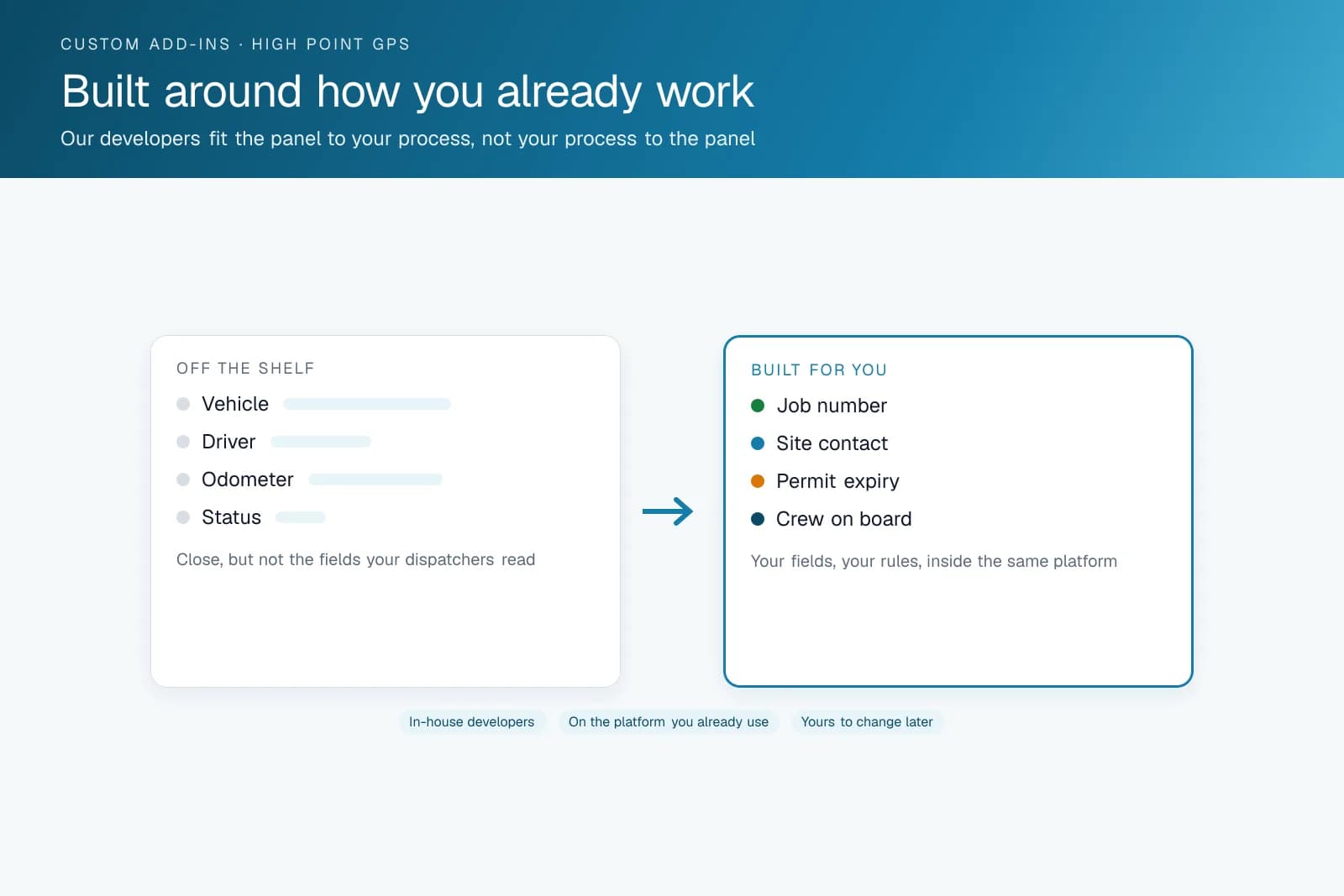
An add-on library Add-In is pre-built and shared across many fleets by design. That is efficient, but it means the tool fits the average case instead of your workflow. A custom Add-In is built or modified for one fleet's process, with different fields, logic and look and feel, and it still runs inside the High Point GPS platform the same way an add-on library listing does. The platform's open SDK makes this possible; a closed platform wouldn't let a partner like High Point GPS build this kind of tool at all.
How did High Point GPS build GeoDocs?
GeoDocs is a real example of this process. Getting the right paperwork in front of a driver in the cab at the right moment was a problem the add-on library had no good pre-built answer for at the time, so High Point GPS built one. That is the usual trigger for a custom Add-In: a specific, recurring workflow problem that off-the-shelf tools almost solve, but not quite.
How does custom Add-In development work?
We start by learning the workflow the Add-In needs to fit, instead of working from a generic feature request. Timeline then depends on scope: a themed or modified version of an existing tool like GeoDocs moves faster than a new workflow built from scratch. Once it's live, the Add-In runs inside the High Point GPS platform like any built-in feature, and High Point GPS keeps supporting and updating it after launch.
Frequently asked questions
What's the difference between an add-on library add-in and a custom Add-In?
Add-on library add-ins are pre-built and shared across many fleets, so they fit the average case. A custom Add-In is built or modified for your workflow, with its own fields, logic and look and feel, and it still runs inside the High Point GPS platform alongside any library add-ins you already use.
How long does a custom Add-In take to build?
It depends on scope. A themed version of an existing tool like GeoDocs takes less time than a new workflow built from scratch. High Point GPS scopes timeline and cost once we understand what you need the Add-In to do and how your team will use it day to day.
Will a custom Add-In show up inside the High Point GPS platform like a built-in feature?
Yes. A custom Add-In runs inside the High Point GPS platform the same way an add-on library Add-In does. Your dispatchers, drivers and safety team keep working in the platform they already know, without switching to a separate tool or signing in with a second login to use it.
Does High Point GPS maintain a custom Add-In after it's built?
Yes. Ongoing support and updates are part of working with our development team, so a custom Add-In isn't a one-time build that gets left alone afterward. If your workflow changes or the Add-In needs a fix, our development team handles the update.
Related hardware
Free tools for this topic
Get a free quote
- Over 500 fleets
- Since 2013
- 4.9 on Google (19 reviews)
What are you looking for?
Prefer to talk?Call 1-800-613-6323[email protected]