
Video Safety & Dash Cams
AI Dash Cam Alerts Explained: What Each One Means
AI dash cam alerts flag specific risks such as harsh braking, tailgating and phone use. What each alert measures, and how to tune it for driver coaching.
What Do AI Dash Cam Alerts Mean?
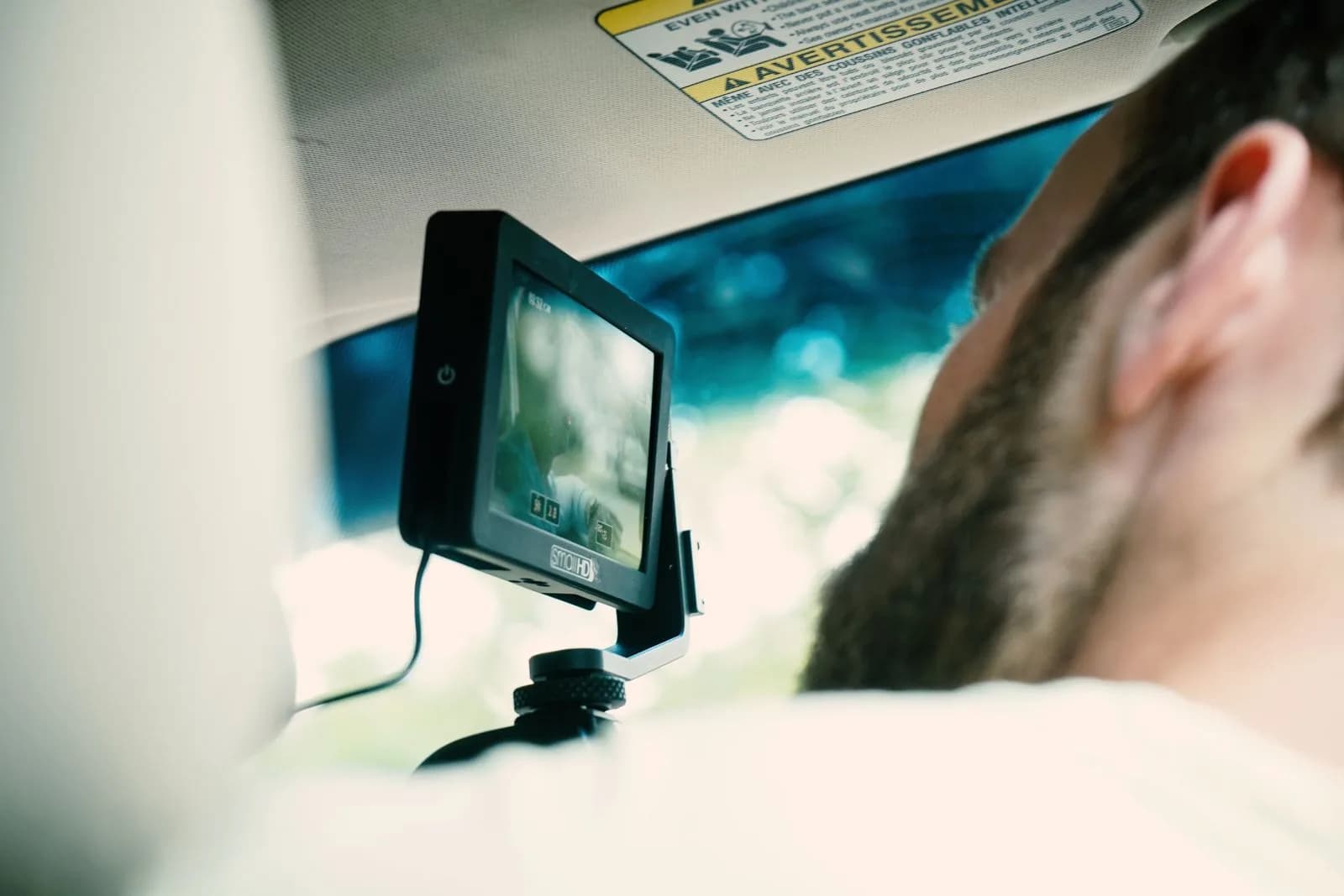
An AI dash cam alert means the camera's onboard processing spotted a specific pattern, such as a hard stop or a driver looking away from the road, and flagged that moment along with the clip around it. A camera that only records continuously gives you footage with no pointer to the problem, so somebody has to know when to look and then scrub through hours of video to find ten relevant seconds. Event detection closes that gap by sending your safety manager the moments worth seeing.
In practice, a fleet of any size can run a working safety program without hiring someone to review raw footage full time. On a camera such as the GO Focus Plus, the driver hears the warning in the cab while the clip goes to the platform, and your safety manager works from a short, automatically curated list of the moments that mattered that day.
What Do Harsh Braking and Harsh Acceleration Alerts Mean?
The device's accelerometer raises these alerts when deceleration or acceleration passes a set threshold. They're useful but imperfect: a hard pothole or a speed bump can occasionally trigger a false positive alongside a real hard stop. Good platforms let you tune sensitivity, and a safety manager who reviews flagged events over a few weeks gets a feel for which patterns are real risk and which are road conditions.
Harsh acceleration gets less attention than harsh braking, though it is an equally useful signal, especially for fuel spend and wear on drivetrain components. A driver who launches hard from every stop burns more fuel and puts more stress on brakes and tires than one who accelerates smoothly, even if neither has ever had a reportable incident.
What Do Following Distance and Forward Collision Warnings Mean?
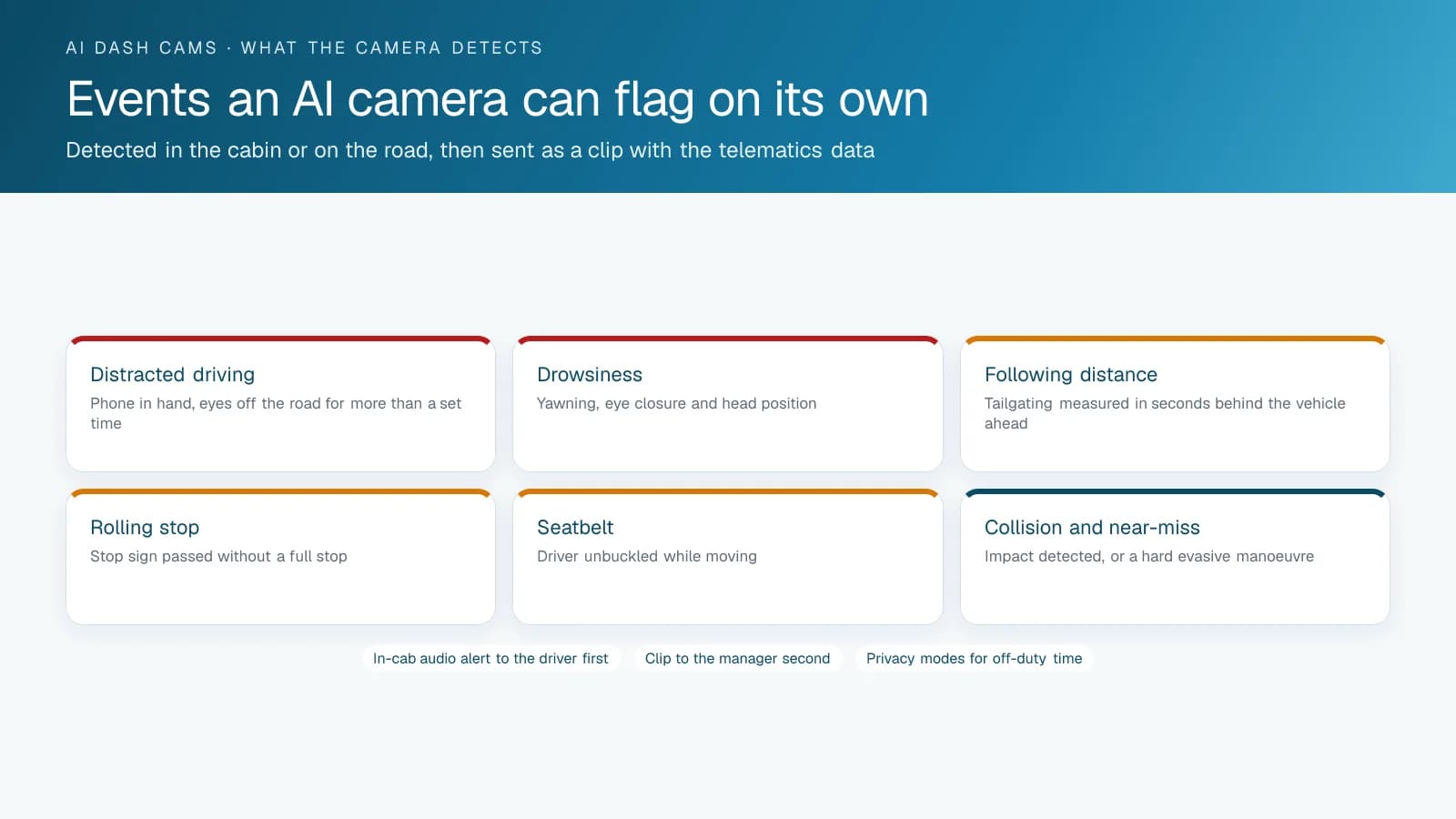
Road-facing cameras with forward collision detection estimate the gap and closing speed to the vehicle ahead. They flag a driver who is following too closely for the current speed, or who is closing on a stopped vehicle without slowing down. These alerts go straight at rear-end collisions, one of the most common and most preventable types of commercial vehicle incident.
This category is especially useful for coaching because it catches a risky pattern before anything happens instead of documenting an incident afterward. If one driver keeps getting following-distance alerts on the same route, you have a coaching conversation to hold, and the best time to hold it is before that habit turns into a rear-end claim.
Alerts for speeding over the posted limit often get bundled into the same category, since the system builds them from the same mix of GPS speed data and road data. They stand on their own, whatever is happening with the vehicle ahead. They also tend to be among the most objective and least disputable data points a safety manager has, because nobody can argue about what the posted limit was at a given location.
How Do Distracted and Drowsy Driving Alerts Work?
Driver-facing cameras with computer vision can flag patterns associated with phone use, looking away from the road for an extended period, or signs of drowsiness. Of all the alert types, this one raises the most privacy concerns. Talk openly with drivers about why it's there (coaching and liability protection) before you switch it on, so nobody learns about it by noticing the second lens for the first time.
How you introduce it matters more here than with any other alert. Fleets that present driver-facing monitoring as a liability and coaching tool, and say up front that it exists, tend to get far less pushback than fleets that roll it out quietly and let drivers discover it on their own.
How to Use AI Dash Cam Alerts for Driver Coaching
The fleets that get the most value from AI dash cam alerts treat them as coaching input and review them on a regular schedule. They don't fire off a penalty after every single event. A weekly session going through flagged clips with the driver, focused on patterns over isolated incidents, tends to change behaviour more than an automated warning after every hard stop. It also avoids the alert fatigue you get when over-tuned sensitivity flags too much noise.
The opposite approach fails in its own way. A fleet that answers every flagged event with an automated warning message, and no person ever reviews the clip, tends to train drivers to tune the alerts out entirely while their driving stays the same. You'll get further with a smaller number of meaningful conversations, each based on a clip someone has reviewed, than with a larger number of automated messages.
How to Set Up Alerts Without Creating Noise
Tune sensitivity per vehicle type instead of applying one blanket setting across the fleet. A heavy dump truck and a light delivery van have different normal braking and acceleration profiles, so a threshold tuned for one will either miss real events on the other or flag constant false positives.
Plan to revisit your alert settings periodically, since the initial setup won't stay right forever. As your safety program matures and drivers improve, a threshold that was reasonable in month one can start generating too much low-value noise by month six. Adjusting it keeps each alert meaningful to the driver who receives it, so the alerts never start to feel routine.
Alert Settings by Vehicle Type
Fleets commonly start with these thresholds for each vehicle class and tune them from the first month's events. A single fleet-wide setting produces noise on one class and silence on another.
| Alert | Light vans and pickups | Straight trucks and refuse | Tractors | Buses |
|---|---|---|---|---|
| Harsh braking | Higher threshold; city stops are normal | Moderate | Lower; a loaded tractor braking hard is rare and serious | Lower; standing passengers |
| Harsh acceleration | Moderate | Moderate | Rarely fires; keep low | Low |
| Following distance | Under 1.5 s | Under 2 s | Under 2.5 s | Under 2.5 s |
| Speeding | 10 km/h over the limit | 8 km/h over | 5 km/h over | 5 km/h over; school zones at any excess |
| Distraction and phone | On, in-cab alert on | On | On | On |
| Drowsiness | Optional | On for long shifts | On | On |
| Rolling stop | On | On | On | On |
Frequently asked questions
Do AI dash cams give false alerts?
Yes, sometimes. Harsh-braking detection in particular can occasionally flag a pothole or speed bump alongside real hard stops. Most platforms let you adjust sensitivity for each vehicle type, and a safety manager who reviews flagged events over time learns to separate real risk patterns from road-condition noise.
Can AI dash cam alerts be used to discipline drivers?
They can, but fleets generally get better results when they treat alerts as coaching input reviewed on a regular schedule instead of an automatic punishment for every flagged event. Context matters. Put a human review step before any disciplinary action, because a decision a person has checked holds up better than one made by an automated rule.
What's the difference between a collision alert and a following-distance alert?
A following-distance alert is preventive: it flags an unsafe gap or closing speed to the vehicle ahead before anything happens. A collision alert comes after the fact and tells you the device has detected an impact. Following-distance alerts give you something to coach on before a crash, while collision alerts record one that already occurred.
Should every flagged event trigger an automatic warning to the driver?
Generally, no. Fleets that review flagged events in batches and follow up with a coaching conversation led by a person tend to see better long-term behaviour change. An automated message fired after every single alert tends to teach drivers to tune the alerts out, so the warnings stop changing how they drive.
Related solutions & products
Related terms
Continue reading
- Dash Cams & AI Video Safety overview →
- Are Dash Cams Legal in Canada and the US? Laws by State →
- Dash Cam for Trucks, Front and Rear: What Each Camera Position Sees →
- Rosco DV6 Dash Cam on High Point GPS: A Dual HD Recorder With AI Alerts for Bus and Truck Fleets →
- Dash Cam Installation: 5 Mistakes That Void Footage When You Need It Most →
- More in Video Safety & Dash Cams →
Get a free quote
- Over 500 fleets
- Since 2013
- 4.9 on Google (19 reviews)
What are you looking for?
Prefer to talk?Call 1-800-613-6323[email protected]