
Compliance
Fuel Receipt Capture: Photographing Fuel Receipts Into the IFTA Return
Fuel Receipt Capture is a fuel receipt app add-in: drivers photograph receipts at the pump and each purchase is filed by vehicle and jurisdiction for IFTA.
Why Does IFTA Need Fuel Receipt Capture?
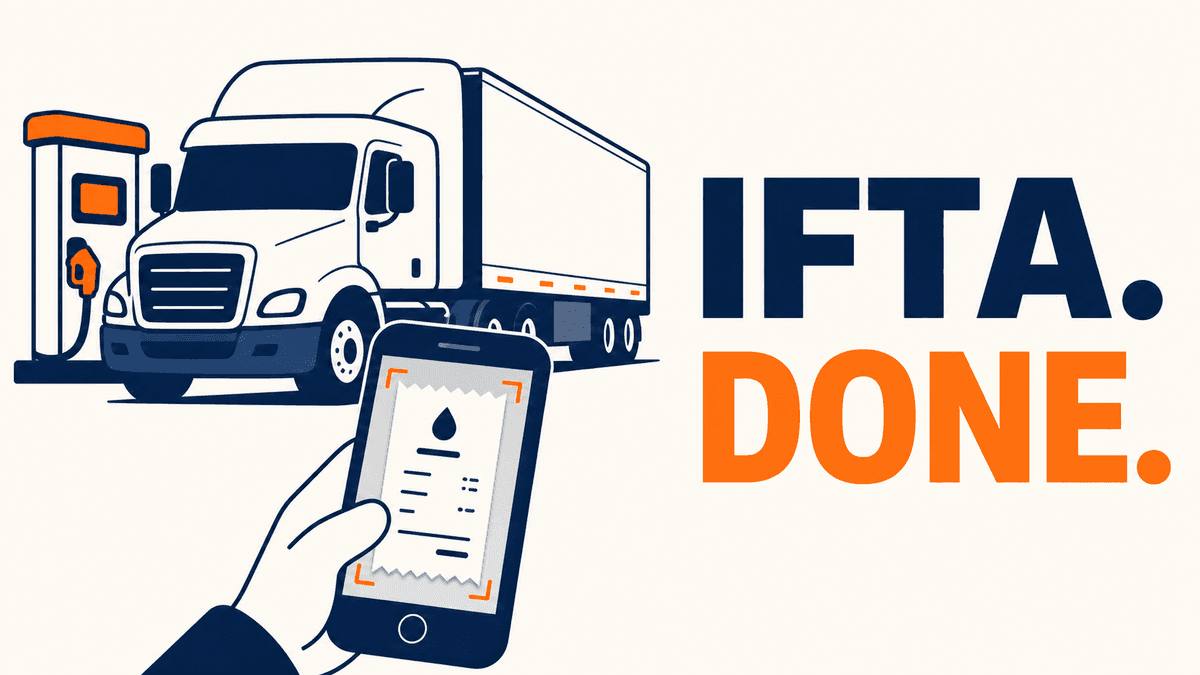
Fuel Receipt Capture works as a fuel receipt app inside the driver app: it puts the fuel half of your IFTA return into the same platform as the distance half, from a photo the driver takes at the pump. An IFTA return needs two numbers per jurisdiction: distance travelled and fuel purchased. Telematics produces the distance from continuously logged position. Fuel has to come from purchases, and a fleet without a single fuel card usually collects paper receipts at month end, has someone key them into a spreadsheet, and matches them to trucks and states from memory. A faded receipt from an Ohio truck stop with no jurisdiction recorded is hard to support at an audit, because IFTA expects each fuel record to show the seller's name and address.
How Does the Fuel Receipt Capture App Work?
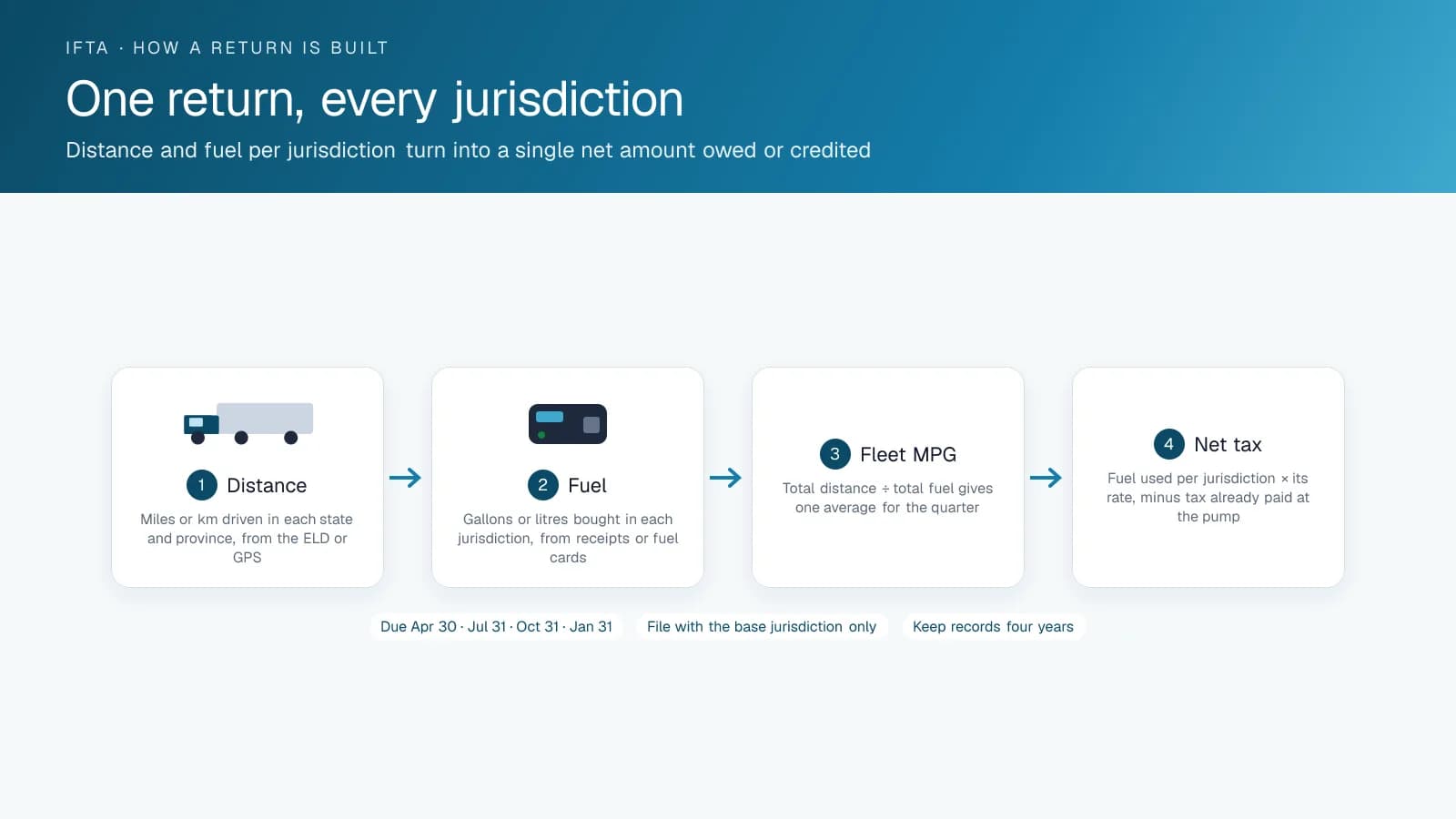
Fuel Receipt Capture runs in the driver app. The driver photographs the receipt at the pump, and the add-in reads the date, station, litres or gallons, fuel type and amount. It files the purchase against the vehicle the driver is logged into and the jurisdiction the GPS places the truck in. The office sees purchases as they come in and corrects any field the reader got wrong. At quarter end, fuel by jurisdiction sits beside distance by jurisdiction in the same platform, and the receipt image stays attached to the record. IFTA requires you to keep these records for four years, so confirm your retention settings and exports cover that period.
Do You Still Need a Fuel Card?
Fleets on a single fuel card program already get purchases electronically, so for them the add-in handles the exceptions: a cash purchase after the card was declined, a station off the network, a driver paying with a personal card on a weekend. Fleets running several cards, or paying drivers back for fuel, use it for every purchase. In both cases you want every litre in the platform with a jurisdiction and a vehicle attached, before anyone has to rebuild the quarter by hand.
What Happens at an IFTA Audit?
An IFTA auditor asks for fuel purchases by jurisdiction, with receipts, tied to a vehicle and a date, plus the distance those vehicles travelled in the same jurisdictions. If you can export both from one platform with the receipts attached, you can answer in an afternoon. High Point GPS sets up Fuel Receipt Capture alongside IFTA distance reporting for carriers across Canada and the United States.
What the Reader Gets Right and Where the Office Checks
The reader handles the standard printed fields, and the fields that vary by station deserve a quick look. On a clean printed receipt it picks up the date, total amount and volume, and the office corrects any field it misses. Fuel type reads correctly when the receipt names it and defaults to the vehicle's fuel type when it does not. The reader picks up the station name, but the jurisdiction comes from the GPS position, by design. The office's weekly check takes a few minutes: any purchase flagged for an unreadable volume, any where the litres exceed the tank, and any logged to a vehicle that was somewhere else. Faded thermal receipts and handwritten cash receipts need a person, and the app keeps the photo so that person has something to read.
Frequently asked questions
What is Fuel Receipt Capture?
It is a driver app add-in that lets a driver photograph a fuel receipt at the pump. It reads the receipt fields, then files the purchase against the vehicle and the jurisdiction the GPS places the truck in, ready for the IFTA return.
Does it replace a fuel card?
No. It covers the purchases a fuel card misses, such as cash purchases, stations off the network and personal cards used on a weekend. For fleets without a single fuel card program, or that pay drivers back for fuel, it is the whole fuel record.
Is the receipt image kept?
Yes. The receipt photo stays attached to the purchase record, so an auditor can see the original receipt next to the vehicle, date and jurisdiction, and the office can read a faded receipt from the image. IFTA requires licensees to keep fuel records for four years, so check that your retention settings cover that period.
How does it know the jurisdiction?
The add-in takes the jurisdiction from the vehicle's GPS position at the moment the driver photographs the receipt. It reads the station name but does not rely on it, so a receipt with no state or province printed on it still lands in the right place.
Can the office correct a misread field?
Yes. Purchases appear in the High Point GPS platform as drivers capture them, and the office can edit any field before the quarter is filed. A weekly look at flagged purchases, such as unreadable volumes, takes the office a few minutes.
Sources
Related solutions & products
Related terms
Continue reading
- Compliance (ELD, DVIR, IFTA) overview →
- IFTA Reporting Software: How High Point GPS Automates Fuel Tax Reports →
- Who Needs IFTA? The Qualified Motor Vehicle Definition, Axle by Axle →
- Form 2290 and the Heavy Vehicle Use Tax for Canadian Carriers Running Into the US →
- Who Needs IRP? Apportioned Registration Requirements and How to Apply →
- More in Compliance →
Get a free quote
- Over 500 fleets
- Since 2013
- 4.9 on Google (19 reviews)
What are you looking for?
Prefer to talk?Call 1-800-613-6323[email protected]