
Dispatch & Routing
HVAC and Plumbing Dispatch Software: What to Look For
HVAC dispatch software and plumbing service software must handle appointment windows, technician skill matching and customer ETAs on top of van location.
How Is HVAC and Plumbing Dispatch Different From General Fleet Dispatch?
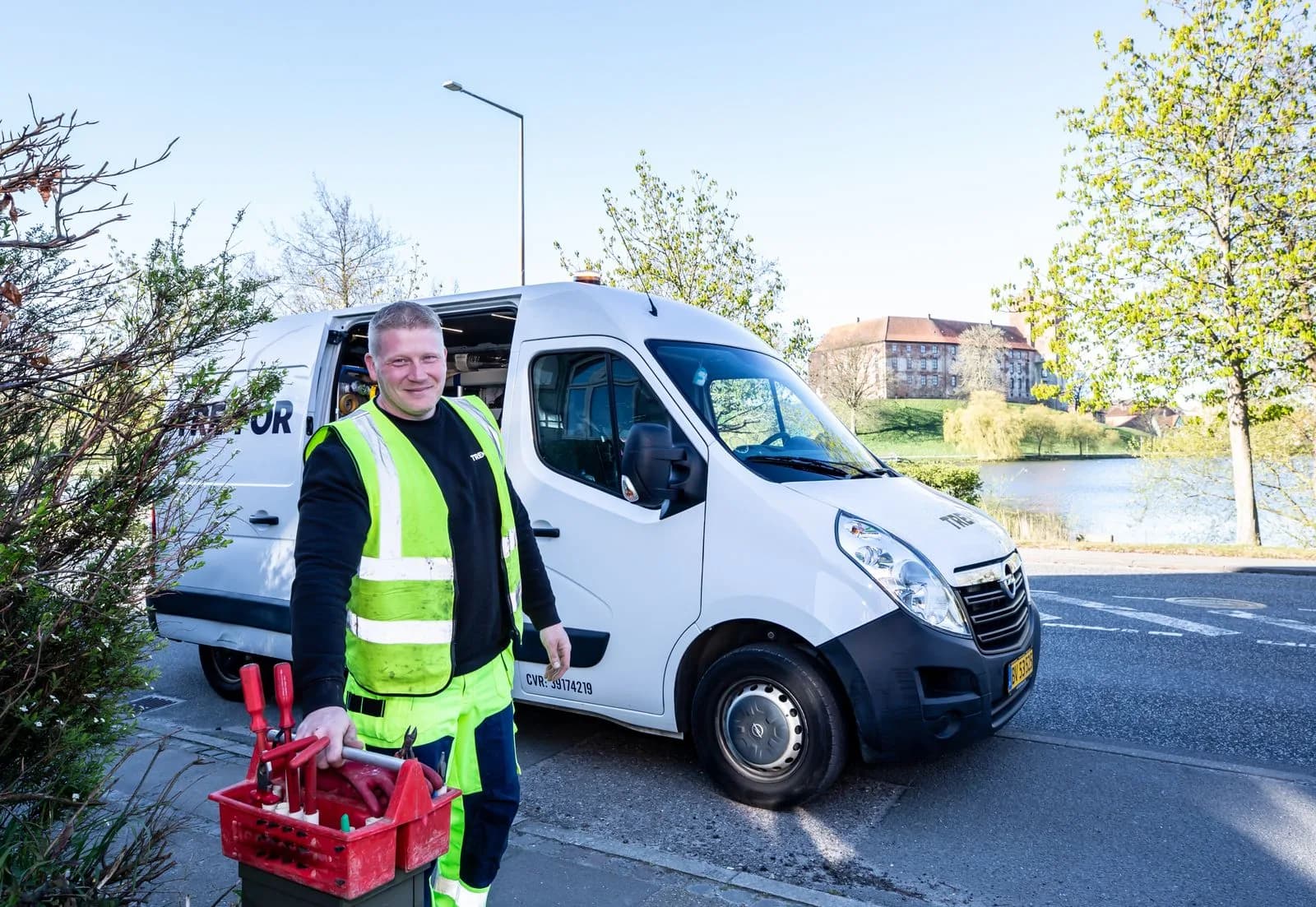
HVAC and plumbing dispatch software has to manage appointment windows, match each job to a technician with the right skill or certification, and keep customers updated, on top of tracking where the vans are. Sending the closest available vehicle is only a small part of the job. First-time-fix rates affect both customer satisfaction and cost, and a general-purpose dispatch tool built around location and availability misses most of what makes trades scheduling work.
Skill matching is easy to underestimate until it goes wrong. If you send the nearest technician to a job that needs a specific certification, such as gas line work or a refrigerant-handling credential, you waste a trip, and the customer waits even longer for the right person to arrive.
Appointment windows add another layer that most general dispatch tools handle poorly. A residential HVAC customer told a technician will arrive between 1 and 3 PM expects the technician in that window. A dispatch system built around point-in-time availability, with no notion of committed windows, produces schedules that look fine on a whiteboard and fall apart as soon as one earlier job runs long.
Which HVAC Dispatch Software Features Matter Most for Trades?
The features that make a difference in field service dispatch are live technician location, so a dispatcher can react when a job runs long; a scheduling calendar that accounts for skills and certifications; automatic customer ETA notifications, so the office stops fielding "where's my tech" calls; a mobile app technicians can use in the field; and integration with invoicing or CRM software, so a completed job goes straight into billing without a second round of data entry.
Customer ETA notifications deserve extra weight because of what they replace: a customer phoning the office to ask where the technician is. Each of those calls pulls a dispatcher away from dispatching. Automatic, accurate notifications cut down on them, and customers don't have to change how they book.
Where GPS Tracking Fits Into Dispatch Decisions
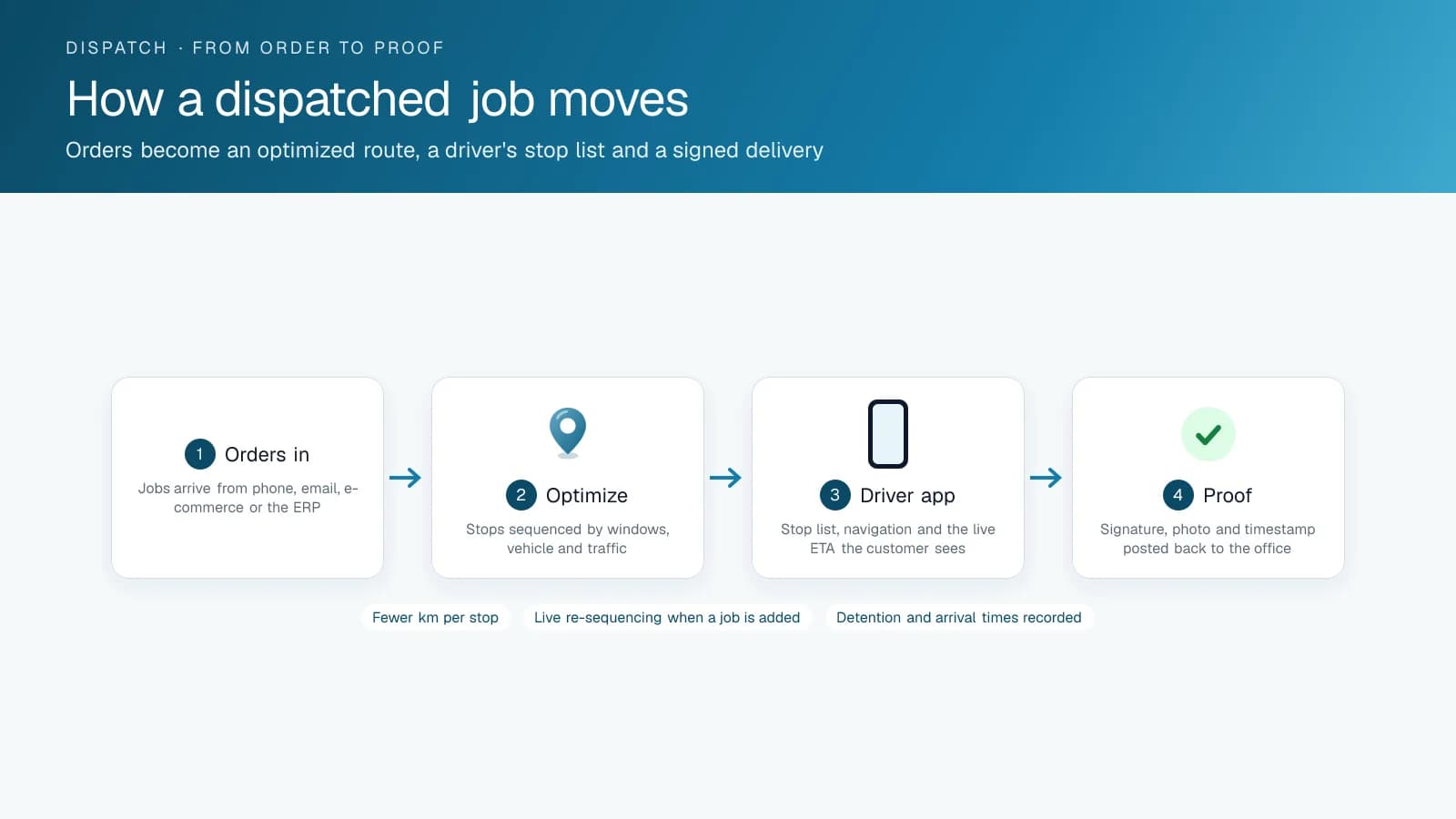
GPS tracking pulls its weight even without a dedicated dispatch product. Live location lets a dispatcher assign the technician who is in fact closest, without guessing, and it produces the accurate timesheet and billable-hour data trades businesses need for job costing. It also makes a customer ETA notification accurate, where otherwise it would be a rough guess from the scheduled time.
Billable-hour accuracy matters more in the trades than in many other fleets, because the technician's time is often the product you sell. When a timesheet is disputed, inside the company or by a customer questioning a bill, an objective record of when the technician arrived and left settles it far faster than a handwritten timesheet filled in from memory at the end of the week.
Build, Buy, or Bolt On?
To be plain about where High Point GPS stands: we don't have a finished, dedicated trades scheduling and dispatch product on the market today, and our in-house dispatch and routing software is still in development. Dedicated field service software products exist and do that job well. What High Point GPS offers today (live location, driver behaviour data, and accurate trip and time data) is built to feed the scheduling or dispatch tool a trades business already runs, and is not meant to replace it.
For a trades business choosing today, that usually means picking a dedicated scheduling and dispatch product for appointments and the customer-facing side, and making sure it connects to (or already includes) solid GPS tracking underneath. Waiting for one vendor to build everything into a single product leaves you without either in the meantime.
What Should You Ask a Dispatch Software Vendor Before You Buy?
If you're evaluating a dedicated dispatch product, or deciding what to add to your existing GPS platform, ask three things. Does it have a documented API or a pre-built integration with the GPS platform you already run? How good is the technician mobile app in daily use, outside the sales demo? What does support look like once you're a live customer and no longer a prospect?
Ask existing customers, too, how the rollout went for them. Scheduling software touches every technician's daily routine, and a smooth sales demo says little about how a crew that resists new tools will take to it in practice.
Getting Technician Buy-In
A strong dispatch and GPS setup still underperforms if technicians see it as a monitoring tool imposed on them. Framing matters. A mobile app that shows technicians their own schedule clearly, routes them efficiently between jobs and cuts the number of status-check calls from dispatch lands very differently with a crew than the same technology presented as management oversight.
Bringing in a couple of respected technicians early, and getting their feedback on the mobile app before the full rollout, lets you fix problems while they are small and gives the crew a say, which a system pushed out from the top with no input from the field does not.
A Service Day, Dispatched
Here is an illustrative example: a ten-van HVAC contractor on a January morning, with dispatch running on live location and skill tags. 06:45: fourteen booked calls, plus three no-heat emergencies added overnight. The board shows each technician's certifications, so the two gas-licensed technicians take the furnace calls and the rest take maintenance and duct work. 07:10: the dispatcher assigns the emergencies to the nearest qualified vans, and each customer gets a text with an arrival window based on the van's real position. 09:20: a maintenance call runs long. The platform flags the next customer's window as at risk, and the dispatcher moves that stop to a van finishing early two streets over, then notifies the customer. 11:05: a fourth no-heat call comes in, and the map shows the nearest gas-licensed van 9 minutes away, between jobs. 16:30: fourteen calls and four emergencies done, every window met but one, time on site recorded at each address for the invoices, and not one call to the office asking where a technician was.
Frequently asked questions
Is GPS tracking a replacement for dedicated HVAC or plumbing dispatch software?
No. The two solve different problems. GPS tracking gives you location, timesheet and billable-hour data, while dedicated dispatch software handles appointment scheduling, skill matching and customer communication. Most trades businesses run both, and they get the most from them when the dispatch tool pulls live location and trip data from the GPS platform.
Can GPS data automatically generate accurate customer ETAs?
Yes. Live location and historical route times let a dispatch tool calculate an ETA from current conditions. That estimate is more honest than one based only on the scheduled appointment time, and it means customers get a realistic arrival window by text instead of calling the office to ask where the technician is.
Does High Point GPS offer dedicated dispatch software for trades businesses?
Not yet as a finished product. Our in-house dispatch and routing software is still in development. GPS tracking, driver behaviour data and trip history are available today, and they are built to integrate with the scheduling tool you already use, so you can pair them with a dedicated trades dispatch product now.
How important is skill-matching in trades dispatch?
Very important. Sending a technician without the right certification or specialty wastes a trip and makes the customer wait longer. Scheduling software that matches skills, as well as location and availability, tends to cut repeat visits and raise first-time-fix rates, which helps both your costs and your customers.
Related solutions & products
Related terms
Continue reading
- Dispatch & Routing overview →
- Dispatch Software for Small Businesses: Do You Need One? →
- Best Free Trucking Dispatch Software: What You Get →
- Trucking Dispatch Software for Freight: What to Look For →
- Towing Dispatch Software: Real-Time Routing and Driver Assignment for Towing Companies →
- More in Dispatch & Routing →
Get a free quote
- Over 500 fleets
- Since 2013
- 4.9 on Google (19 reviews)
What are you looking for?
Prefer to talk?Call 1-800-613-6323[email protected]