
Compliance
ELD Info: The Documents a Driver Must Show at an ELD Roadside Inspection
At an ELD roadside inspection, drivers must show the transfer sheet, malfunction steps and, in Canada, the user manual. ELD Info keeps them in the app.
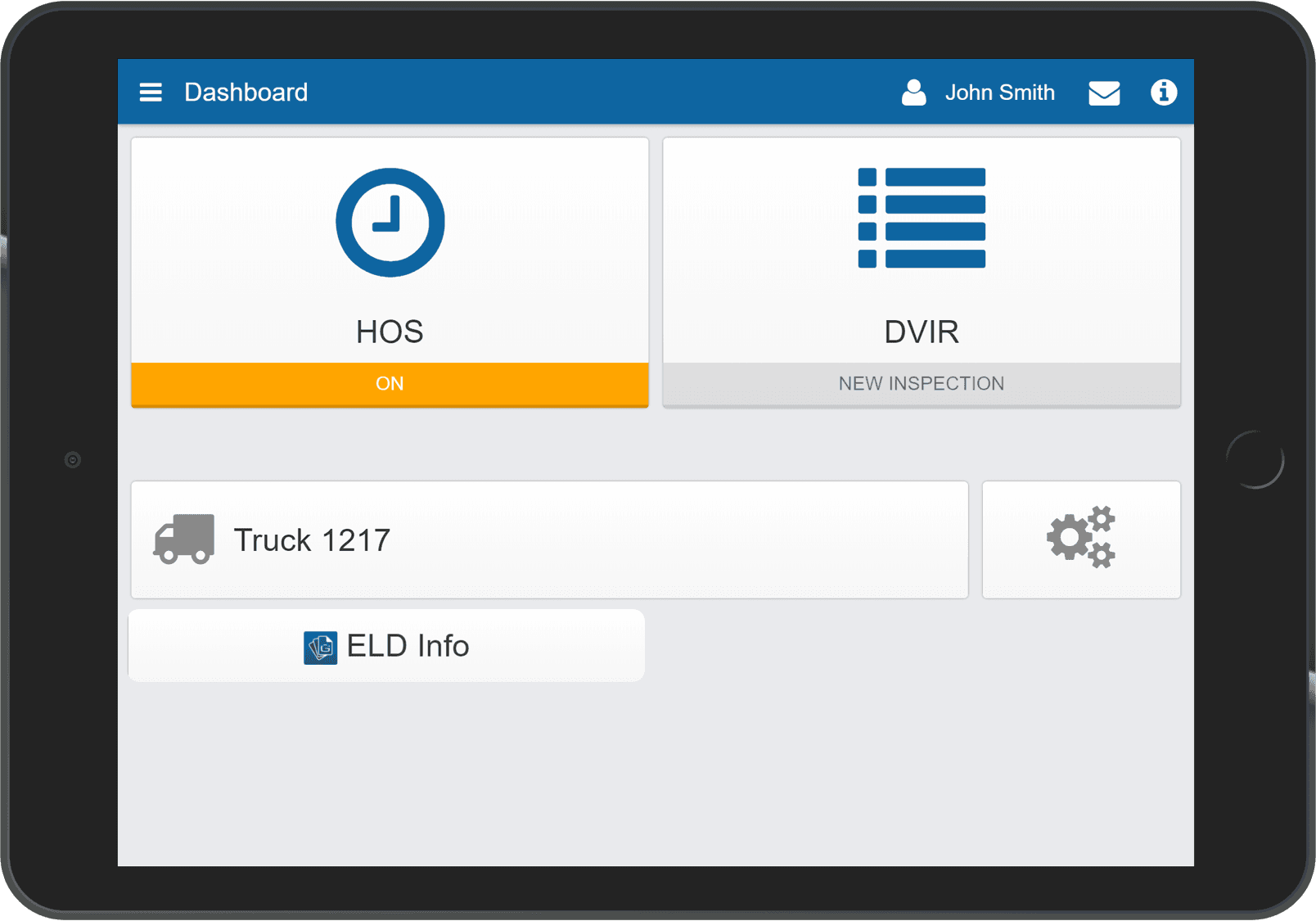
Which Documents Must a Driver Show at an ELD Roadside Inspection?
At an ELD roadside inspection, the driver must produce the ELD's supporting documents along with the logs. Canada's ELD rule requires an ELD information packet in the truck: the ELD user manual, a sheet on transferring hours-of-service records to an officer, a malfunction sheet, and enough blank logs for at least 15 days. The US rule requires the same packet without the user manual, which FMCSA dropped as of July 22, 2026, and with blank logs for at least 8 days. Fleets print them into a binder, and the binder ends up in the other truck. A missing document is a violation on its own, even when the driver's hours are in order.
What Does the ELD Info Add-In Do?
ELD Info is a driver app add-in that puts the current documents on the driver's device, one tap from the log screen, in the driver's language. The fleet loads the set once in the High Point GPS platform: the driver app manual, the transfer instructions for the US and Canadian methods, the malfunction procedure and any fleet-specific instructions. Nobody prints anything. Where the rule allows an electronic copy, the tablet replaces the binder. Where paper logs are required, it tells the driver where the fleet keeps them.
What Happens at the Inspection?
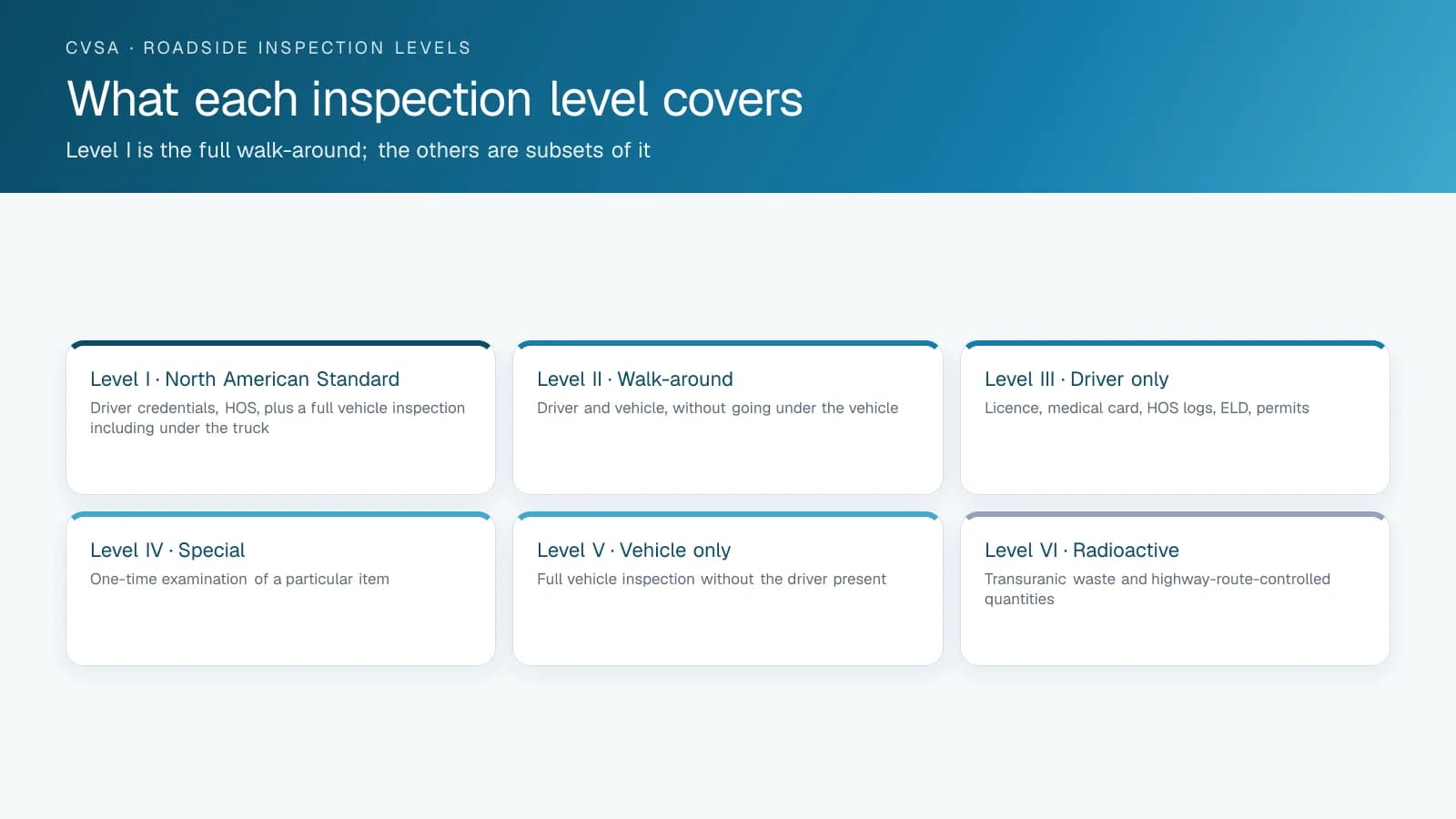
The officer asks for the logs, then the documents. The driver opens ELD Info, shows the manual and the transfer sheet, and follows the transfer instructions on the same screen, so the inspection moves to the truck instead of stalling over a missing PDF. On a fleet running Canadian and US rulesets, it shows the set for the truck's current jurisdiction.
Required ELD Documents in the US and Canada
The required set differs slightly between the two countries, and a cross-border truck needs both. The add-in carries both sets.
| Document | United States (49 CFR 395.22) | Canada (SOR/2005-313) |
|---|---|---|
| ELD user manual | Not required since July 22, 2026 (FMCSA final rule) | Required, latest version |
| Data transfer instructions | Required; describes the telematics and local transfer methods | Required; describes the transfer methods Transport Canada accepts |
| Malfunction instructions | Required; what the driver does when the ELD fails | Required; what the driver does and how the carrier is notified |
| Blank logs | At least 8 days' worth; may be electronic | At least 15 days' worth |
| Device certification (background, not carried) | FMCSA self-certification of the ELD | Third-party certificate from an accredited body |
How Is ELD Info Set Up?
High Point GPS installs ELD Info into the fleet's High Point GPS platform database and configures it with the document set. Updates to the manual or procedures reach every driver at once. High Point GPS includes ELD Info in ELD deployments for carriers across Canada and the United States, with the French and English document sets loaded.
Frequently asked questions
What is ELD Info?
ELD Info is a driver app add-in that keeps the ELD user manual, record-transfer instructions, malfunction procedure and fleet instructions on the driver's device. At a roadside inspection, the driver opens them one tap from the log screen instead of searching a printed binder.
Which documents must a driver carry for the ELD?
In Canada, the driver must carry the ELD user manual, instructions for transferring records to an officer, the malfunction procedure, and blank logs for at least 15 days. The US rule asks for the same set without the user manual, which FMCSA dropped as of July 22, 2026, and with blank logs for at least 8 days.
Can the documents be electronic?
In the US, yes: FMCSA guidance accepts the whole ELD information packet in electronic form, including the blank logs, which a logging app can supply. Canada's rule lists the packet without saying it may be electronic, and Transport Canada's guidance calls for printed malfunction instructions, so keep a paper set for Canadian trips. ELD Info tells the driver where the fleet keeps it.
Does it cover Canadian and US rules?
Yes. The fleet loads both the Canadian and the US document sets into the High Point GPS platform once, and the driver sees the set for the jurisdiction the truck is in. That matters for cross-border trucks, which need both sets.
Is a missing document really a violation?
Yes. An officer can cite a driver for lacking the required ELD documents on their own, regardless of the driver's hours. A driver with perfect logs can still leave the inspection with a violation if the manual or transfer sheet is missing.
Related solutions & products
Continue reading
- Compliance (ELD, DVIR, IFTA) overview →
- What Is an ELD? Electronic Logging Devices Explained →
- ELD Settings Validator: Catching ELD Setup Errors Before the Officer Does →
- ELD Compliance Guide: What the ELD Enforces and What Fleets Still Do →
- How to Log In to Geotab Drive and Select a Vehicle →
- More in Compliance →
Get a free quote
- Over 500 fleets
- Since 2013
- 4.9 on Google (19 reviews)
What are you looking for?
Prefer to talk?Call 1-800-613-6323[email protected]