
Industry
GPS Fleet Tracking for Freight & LTL Trucking
GPS fleet tracking and ELD compliance for freight and LTL carriers: tractors and trailers on one map, dock detention records and IFTA mileage.
Updated September 21, 2026
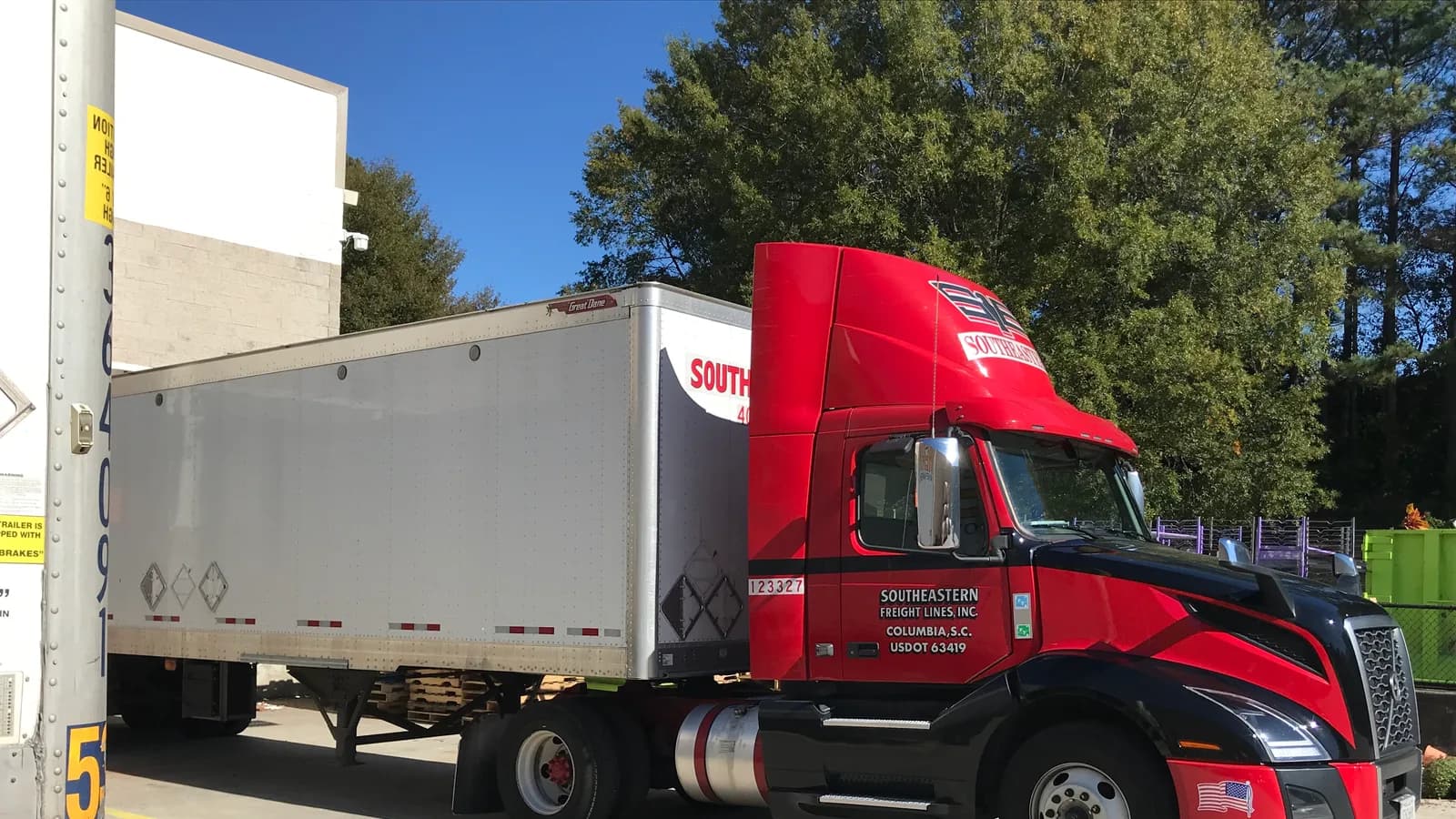
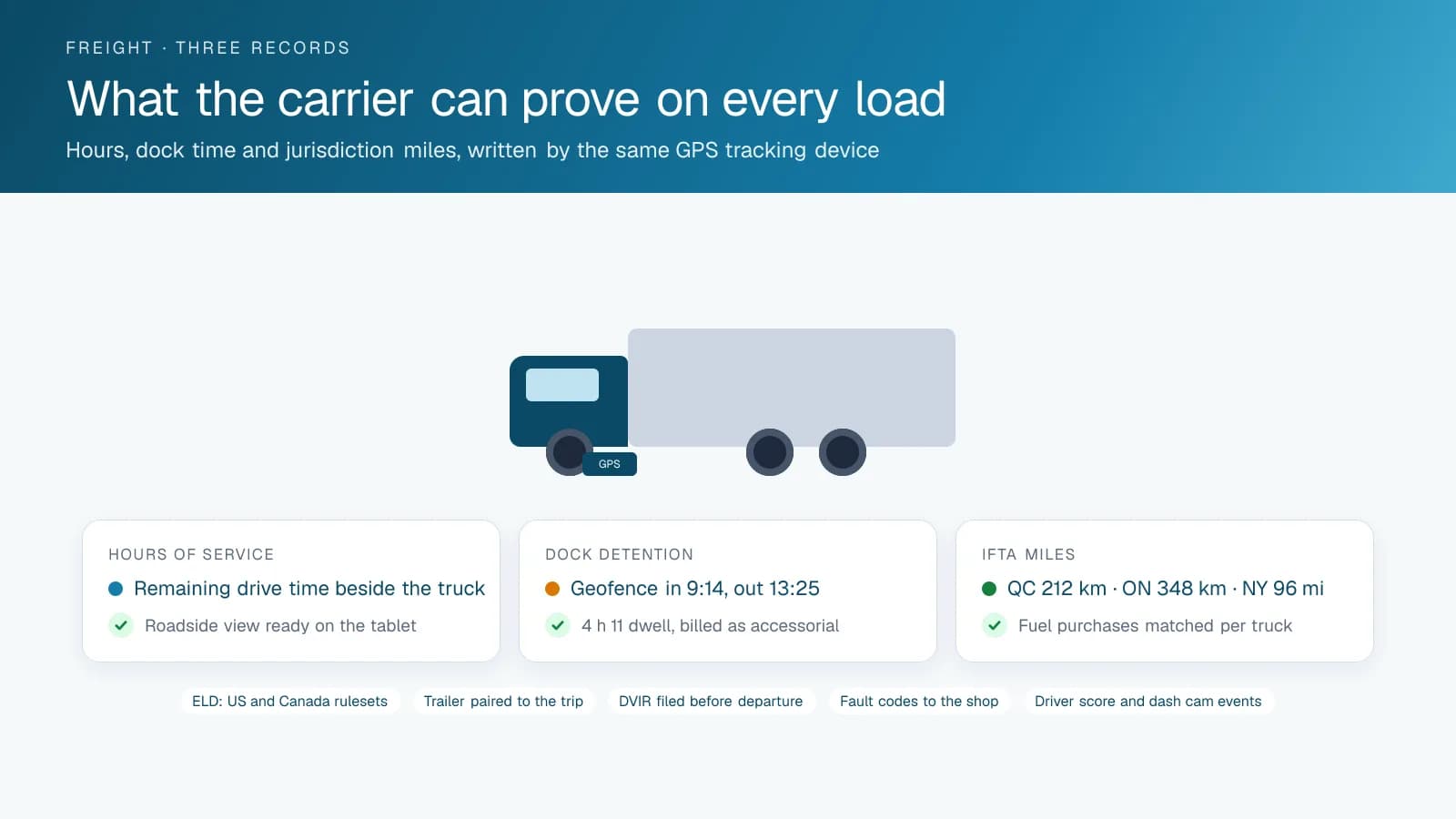
High Point GPS gives freight and LTL carriers GPS fleet tracking and ELD compliance on one platform: tractors and trailers on one map, hours of service in the driver app, and dock, IFTA and inspection records that hold up when someone questions them. It is built for carriers who run on margins measured in cents per mile and on the trust of shippers who want to know where their load is. A GPS tracking device in every tractor supplies location, engine data and hours of service through the driver app, and asset trackers on every trailer make the yard and the drop lot as visible as the road. Dispatch sees each driver's remaining hours beside the truck's position and plans the next pickup around them, instead of finding out at the shipper's gate that the driver is out of time. Geofences around customer docks and terminals log the arrival and departure times behind every detention claim, and the carrier owns that record, not the shipper. IFTA mileage by jurisdiction comes out of the trip history without a driver keeping a state-line log, and fuel-card integration matches each purchase to the truck and the driver. Electronic DVIR keeps roadside inspections uneventful. Driver scoring and AI dash cams help build the safety record that insurers review and, in the US, that FMCSA's CSA program measures, and engine fault codes reach the shop before a tractor is down on the shoulder. The auditor, the adjuster, the shipper disputing an accessorial and the officer at the scale all get the same records.
Common challenges
- Detention time at shipper and receiver docks that goes unbilled because the carrier cannot prove the arrival and departure times
- Dispatch planning loads blind to the driver's remaining hours until the driver calls to say they are out
- Trailers lost at drop lots and customer yards, and a tractor sent to fetch one that is not there
- IFTA mileage by jurisdiction rebuilt each quarter from paper logs and fuel receipts
- Roadside inspections and audits where log gaps, unassigned driving and missing DVIRs turn into violations
- Shippers calling for load status, and a dispatcher who has to call the driver to find out
How High Point GPS helps
- Every tractor and trailer on one live map, with the driver's remaining hours of service beside each truck
- ELD hours of service in the driver app, with US and Canadian rulesets and a roadside inspection mode
- Dock arrival and departure times from geofences, giving the carrier a detention record it controls
- Trailer asset trackers for the yard, the drop lot and the customer's fence line, with dwell reports per trailer
- IFTA mileage by jurisdiction from the trip history, matched to fuel-card purchases by truck and driver
- Electronic DVIR that routes defects to the shop before the tractor leaves the terminal
- Driver scoring and AI dash cams that build the safety record behind insurance renewals and, in the US, CSA scores
- Engine fault codes and engine-hours maintenance reminders that keep tractors out of the breakdown lane
How does dispatch plan loads around hours of service?
In the High Point GPS platform, each driver's remaining drive time, on-duty time and next required break appear beside the truck on the map, updated from the driver app through the day. That gives the dispatcher what the hardest part of the job needs: which drivers still have the hours to run a given load. A planner sees that the driver at the Laval terminal has four hours left and the driver coming off a reset in Buffalo has a full clock, and assigns the load that fits. High Point GPS configures the US and Canadian rulesets, the cross-border switch and the exemptions the carrier actually uses.
The same system keeps the audit clean. Unassigned driving time is flagged for the driver to claim or for a manager to assign to yard moves, and every edit leaves an audit trail. A violations report shows which drivers are running close to the limit before an officer finds them. When a truck is pulled in at a scale, the driver hands over the roadside inspection view on the tablet, and the officer sees the same log the carrier has been watching all week. Weekly driver summaries show who needs a conversation about log habits.
Detention, dock times and the records behind an accessorial
Detention is an accessorial carriers often earn and fail to collect. A geofence around each customer dock writes the arrival and departure of every truck, and the platform reports dwell time per stop with the driver and the trailer attached. When the shipper's dock held a truck for four hours and eleven minutes, the invoice line carries that figure and the record shows the truck sitting inside the fence for the whole period. A shipper who wants to dispute it is looking at a timestamped record from the carrier's own equipment rather than a driver's handwritten note.
The dock records serve the rest of the operation too. Average dwell by customer tells a sales manager which accounts are costing the fleet hours, and it is the number behind the next rate conversation. LTL terminals see each pickup and delivery stop in sequence with the time at each, which is how a dispatcher answers a shipper's status call without a phone call to the cab. Shippers who want to see their own load can be given a portal view of that truck and nothing else. Terminal managers use the same view to see which doors are backed up.
Trailers that are where the system says they are
A trailer pool is a carrier's second fleet, and it is usually the one nobody can see. High Point GPS installs powered or solar asset trackers on every trailer, and the High Point GPS platform shows each one at the terminal, at a customer's dock, on a drop lot or on the road behind a tractor. The tractor's GPS tracking device pairs with the trailer it is pulling, and the trip record shows which trailer moved which load. When a dispatcher needs an empty in the Montreal yard, the map shows the three that are there rather than the five the spreadsheet claimed.
Dwell reports by trailer show which units have sat at a customer for a week and should be billed or retrieved, and which have been at a drop lot long enough to be a theft risk. A geofence rule raises an alert when a trailer leaves a lot outside working hours or without a fleet tractor attached. Reefer trailers add temperature and reefer status to the same view, and a carrier that mixes dry van and reefer runs both from one database. High Point GPS installs the trailer units and sets the pairing rules.
IFTA, fuel, inspections and the safety record
IFTA reporting from paper logs is slow each quarter and easy to get wrong. The GPS tracking device records every mile in every jurisdiction, and the platform's IFTA report lists distance by state and province per truck for the period. Fuel-card integration matches each purchase to the truck, the driver and the location, and the fuel-tax report is assembled from the two rather than reconstructed from a shoebox. High Point GPS sets up the report and the fuel-card feed, and the same trip history supports IRP mileage and the weight-distance taxes some states levy.
Electronic DVIR in the driver app records the pre-trip and post-trip walk-around, routes a defect to the shop and keeps the inspection on file for the period the regulation requires. Engine fault codes reach maintenance as the tractor logs them, and reminders keyed to engine hours and mileage schedule service between loads. Driver scoring reports speeding, hard braking and following distance by driver, and AI dash cams capture the event with road and cab video. A year of scored driving and event footage is a record a carrier can show its insurer alongside the loss run.
Frequently asked questions
Does the ELD cover both US and Canadian rules?
Yes. The driver app supports both the FMCSA and the Canadian hours-of-service rulesets, and the driver works under the ruleset for the country they are driving in. High Point GPS configures the rulesets, the cross-border switch, the exemptions and the roadside inspection view. The ELD is registered with FMCSA in the US and certified by an accredited body in Canada.
How does detention billing work?
A geofence around each customer dock records the arrival and departure of every truck. The platform reports dwell time per stop with the driver and trailer attached, so the detention line on the invoice rests on a timestamped record from the carrier's own equipment that the shipper can review. Reports can be pulled by customer or by period.
Can it track trailers when they are not attached to a tractor?
Yes. Powered or solar asset trackers on each trailer report position on their own, and the High Point GPS platform shows every trailer at the terminal, a customer dock or a drop lot. Dwell reports and geofence alerts cover trailers that sit too long or leave a lot after hours. Reefer trailers add temperature to the same view.
Will it produce our IFTA report?
Yes. Distance by jurisdiction comes from each truck's trip history on the GPS tracking device, and fuel-card integration matches purchases to the truck and driver. The platform builds the IFTA report for the quarter from those two sources and exports it for filing, with the trip detail on hand if a jurisdiction audits the return.
Can shippers see where their load is?
Yes, if the carrier chooses. A shipper can get a portal view limited to the truck carrying their load, or dispatch can answer from the live map. Load status can also be pushed to a TMS through the open API and a custom integration. The carrier decides what each shipper sees and when they see it.
Related solutions
Related guides
- What Is an ELD? Electronic Logging Devices Explained →
- FMCSA Hours of Service Rules (US): 11-Hour and 14-Hour Limits →
- Detention Time in Trucking: What It Costs and How to Bill Detention Pay With GPS →
- How Does Trailer GPS Tracking Work, With or Without a Truck? →
- IFTA Reporting Software: How High Point GPS Automates Fuel Tax Reports →
- How to Pass a DOT Inspection: Checklist and Inspection Levels →
- Carrier Safety Programs in Every Canadian Province and Territory: CVOR, NSC Certificates and Safety Fitness Certificates →
- Hours of Service Rules by Province: Federal Rules, Provincial Rules and Who Follows Which →
Get a free quote
- Over 500 fleets
- Since 2013
- 4.9 on Google (19 reviews)
What are you looking for?
Prefer to talk?Call 1-800-613-6323[email protected]